

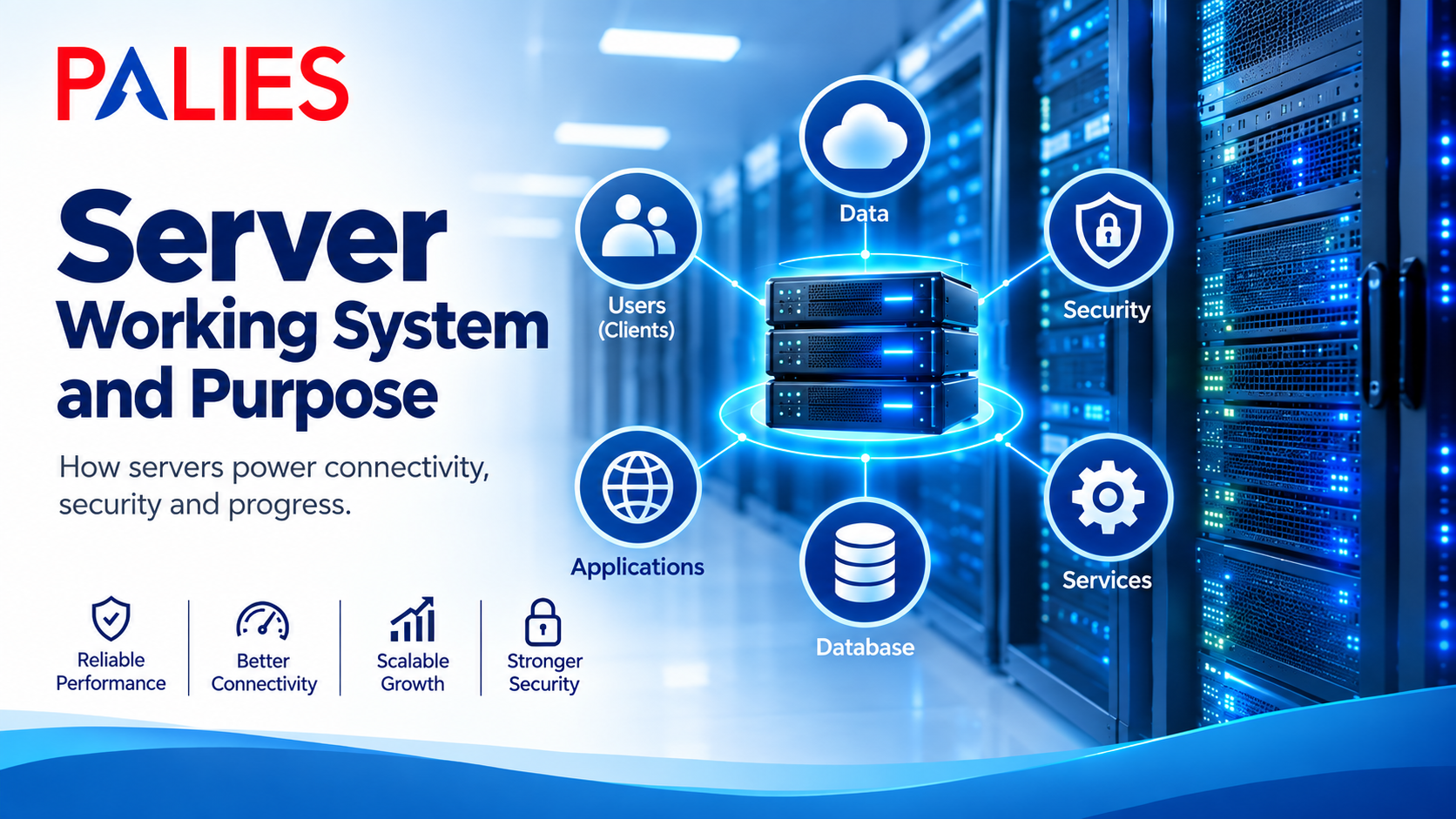
Server-Working System and Purpose
What is a Server?
A server is a computer or software system that provides services, resources, or data to other computers (called clients) over a network. Servers are designed to process requests from multiple clients simultaneously and deliver the requested information or services efficiently.
Think of a server as a restaurant kitchen
• Customers (clients) place orders (requests).
• The kitchen (server) prepares the food (data or service).
• The waiter (network) delivers the food back to the customer.
How a Server Works
A server continuously listens for requests from client devices. When a request is received, the server
1. Receives the client’s request.
2. Verifies the client’s identity and permissions (if required).
3. Processes the request.
4. Retrieves the required data or performs the requested task.
5. Sends the response back to the client.
Server Working Process
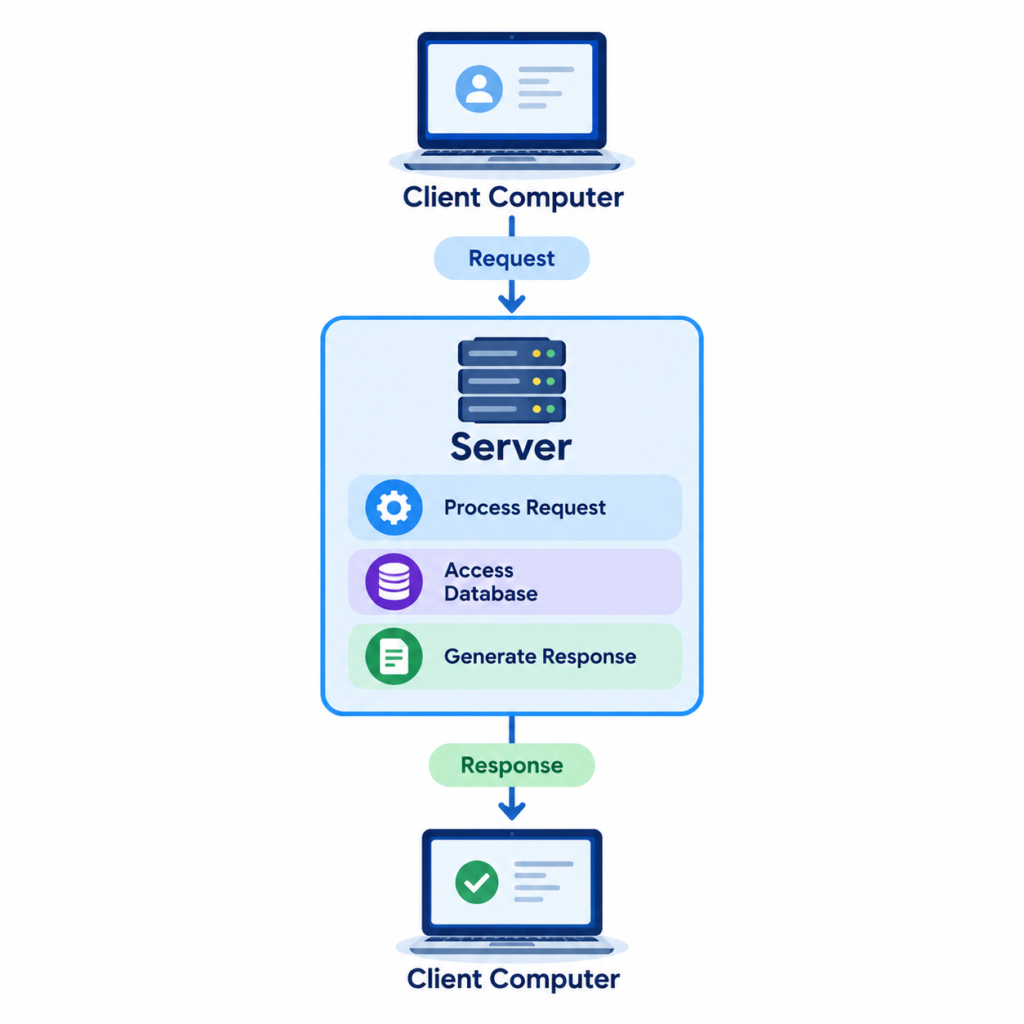
Server Communication Flow
User Opens Website
│
▼
Browser Sends Request
│
▼
Network
│
▼
Web Server
│
▼
Application Server
│
▼
Database Server
│
▼
Requested Data Returned
│
▼
Web Page Displayed
Components of a Server:
Hardware Components
• High-performance CPU
• Large RAM
• Multiple HDDs or SSDs
• RAID storage
• Network Interface Card (NIC)
• Power Supply (often redundant)
• Cooling system
Software Components
• Server Operating System
• Web server software
• Database software
• Security software
• Backup software
• Monitoring tools
Types of Servers
1. File Server
Stores and manages files for multiple users.
Purpose
• Centralized file storage
• File sharing
• Data backup
Examples:
• Windows File Server
• Samba Server
2. Web Server
Hosts websites and delivers web pages to users.
Examples:
• Apache HTTP Server
• Nginx
• Microsoft IIS
Uses
• Business websites
• E-commerce platforms
• Blogs
• Web applications
3. Database Server
Stores, retrieves, and manages databases.
Examples
• MySQL
• PostgreSQL
• Microsoft SQL Server
• Oracle Database
Uses
• Banking systems
• Hospital systems
• ERP applications
4. Mail Server
Handles email communication.
Functions
• Send emails
• Receive emails
• Store mailboxes
• Spam filtering
Examples
• Microsoft Exchange Server
• Postfix
• Zimbra
5. Application Server
Runs business applications and provides services to users.
Examples
• Apache Tomcat
• JBoss
• WebLogic
6. DNS Server
Converts domain names into IP addresses.
Example
www.example.com
│
▼
192.168.1.10
7. DHCP Server
Automatically assigns IP addresses to devices on the network.
Benefits
• Simplifies network management
• Reduces IP conflicts
8. Proxy Server
Acts as an intermediary between clients and the Internet.
Benefits
• Improves security
• Filters web traffic
• Caches content for faster access
9. Print Server
Manages printers shared across a network.
Benefits
• Centralized printer management
• Shared access for multiple users
10. Virtual Server
A software-based server running on a physical host using virtualization technology.
Benefits
• Efficient resource utilization
• Easy scalability
• Lower hardware costs
Purpose of a Server
1. Store Data
Provides centralized storage for files, databases, and applications.
2. Share Resources
Allows multiple users to access:
• Files
• Printers
• Applications
• Internet connections
3. Host Applications
Runs enterprise applications such as:
• ERP
• CRM
• HR Management Systems
4. Manage Network Services
Provides services such as:
• DNS
• DHCP
• Authentication
• Email
5. Website Hosting
Hosts websites and web applications accessible via the Internet.
6. User Authentication
Verifies users before granting access to resources.
Examples
• Active Directory
• LDAP
7. Data Backup
Stores scheduled backups to protect against data loss.
8. Remote Access
Allows users to securely access systems and files from remote locations.
Advantages of Servers
• Centralized data management
• Resource sharing
• High availability
• Improved security
• Simplified backups
• Scalable to support business growth
• Supports many users simultaneously
Limitations of Servers
• Higher initial cost
• Requires skilled administration
• Hardware failures can affect services if redundancy is not in place
• Requires regular maintenance and updates
• Power and cooling requirements
Server vs Personal Computer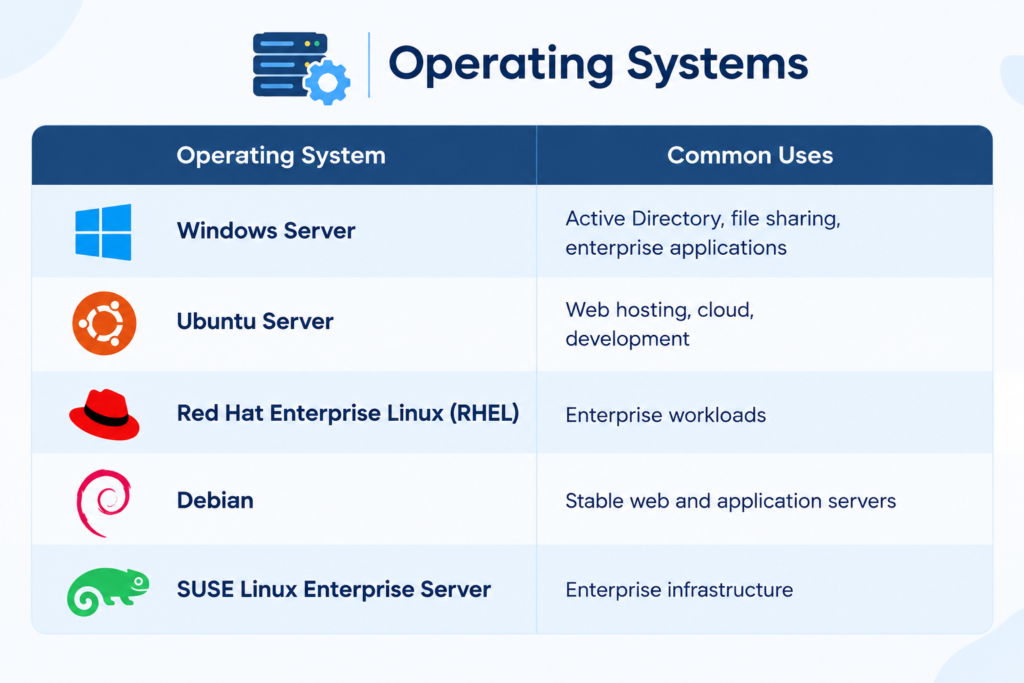
Common Server Operating Systems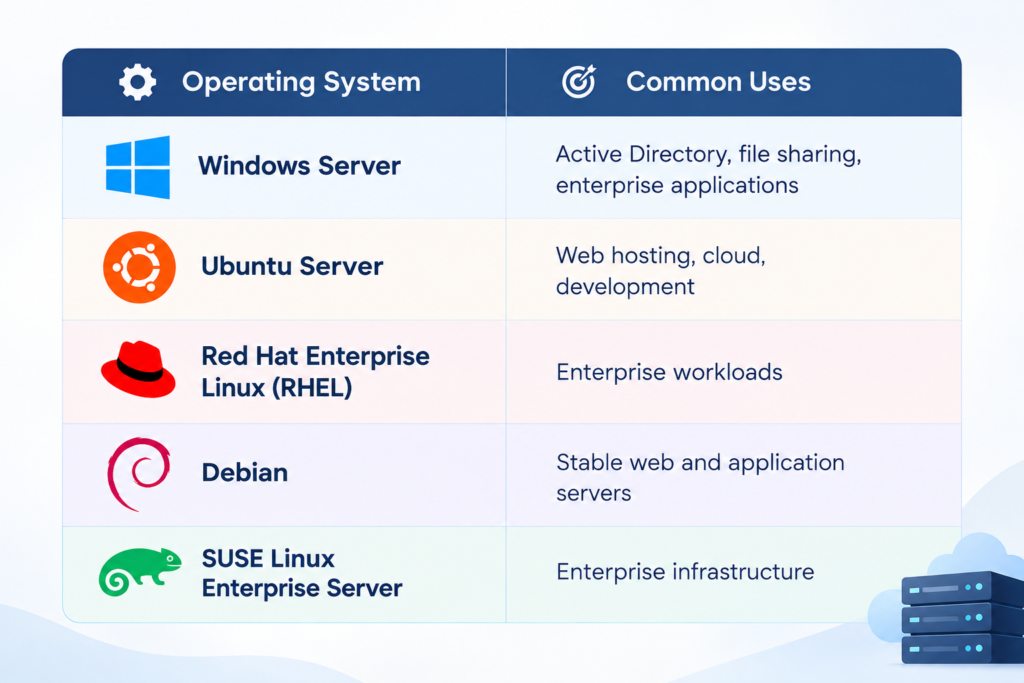
Best Practices
• Keep server software updated.
• Use RAID for storage redundancy.
• Perform regular backups.
• Implement strong access controls and multi-factor authentication (MFA).
• Monitor server performance and health.
• Use firewalls and antivirus protection.
• Restrict unnecessary services and ports.
• Document configurations and maintenance procedures.
Conclusion
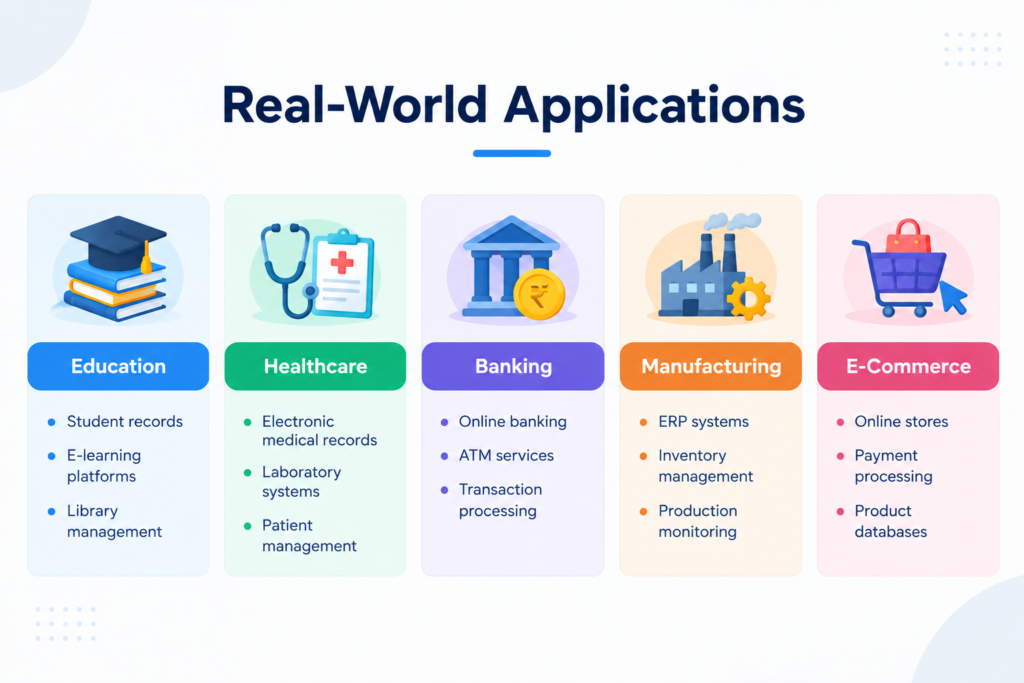
A server is a critical component of modern IT infrastructure that provides services, applications, storage, and resources to client devices across a network. Servers enable centralized management, secure resource sharing, and continuous availability for businesses, educational institutions, healthcare organizations, and cloud environments. When combined with proper security, backups, monitoring, and maintenance, servers form the backbone of reliable and scalable IT systems.