

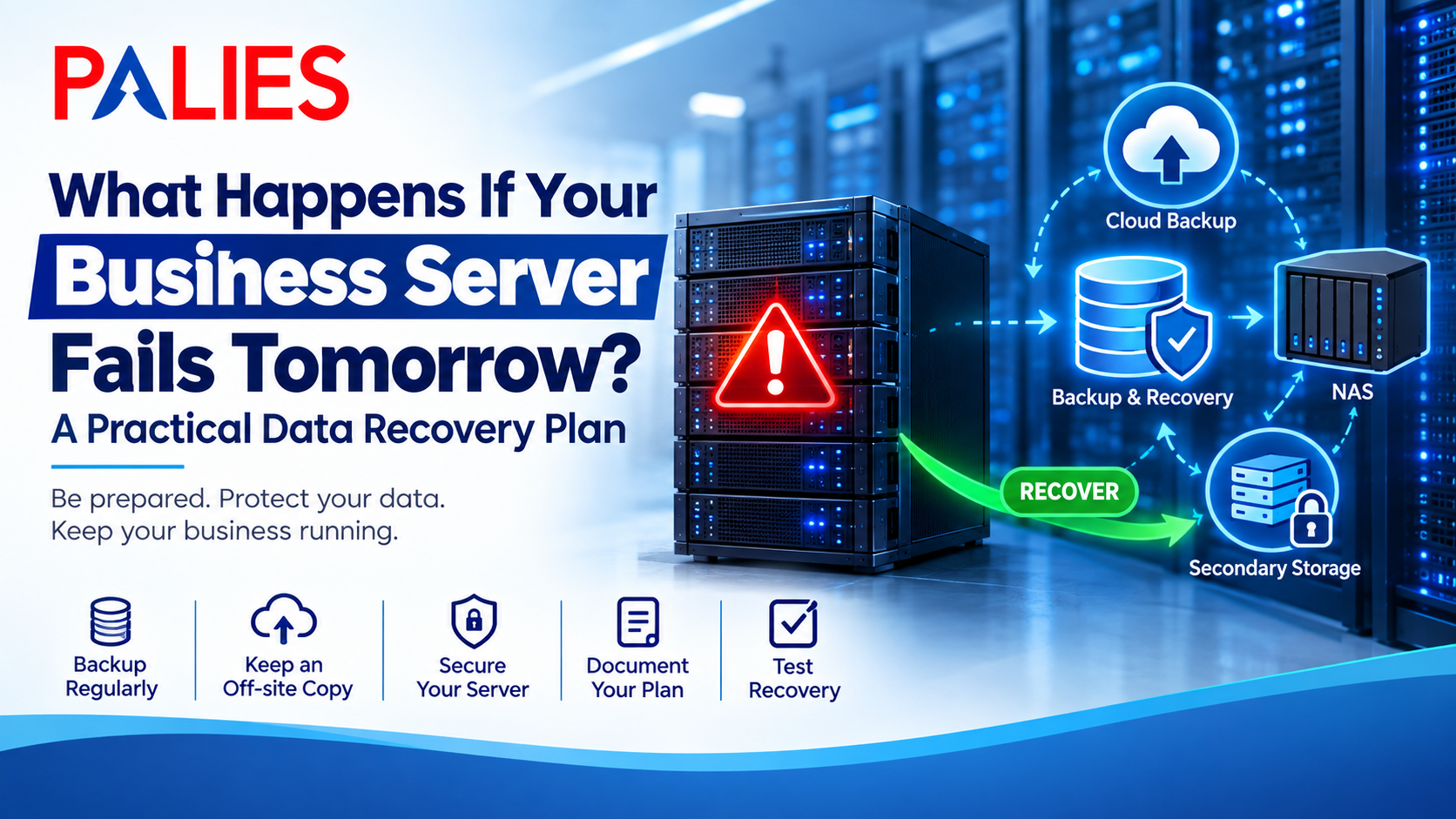
Imagine arriving at your office in the morning and discovering that your business server is not responding. Employees cannot access shared files, applications are unavailable, and important business data appears to be inaccessible.
What happens next?
For businesses that depend on servers for everyday operations, a server failure can quickly become more than an IT problem. It can interrupt work, delay customer services, affect productivity, and potentially result in data loss.
The good news is that businesses can prepare for server failure before it happens.
A practical data recovery plan can help reduce downtime and give your business a clear process to follow when something goes wrong.
What Can Cause a Business Server to Fail?
Server failure can happen for several reasons. Some problems are sudden, while others develop gradually.
Common causes include:
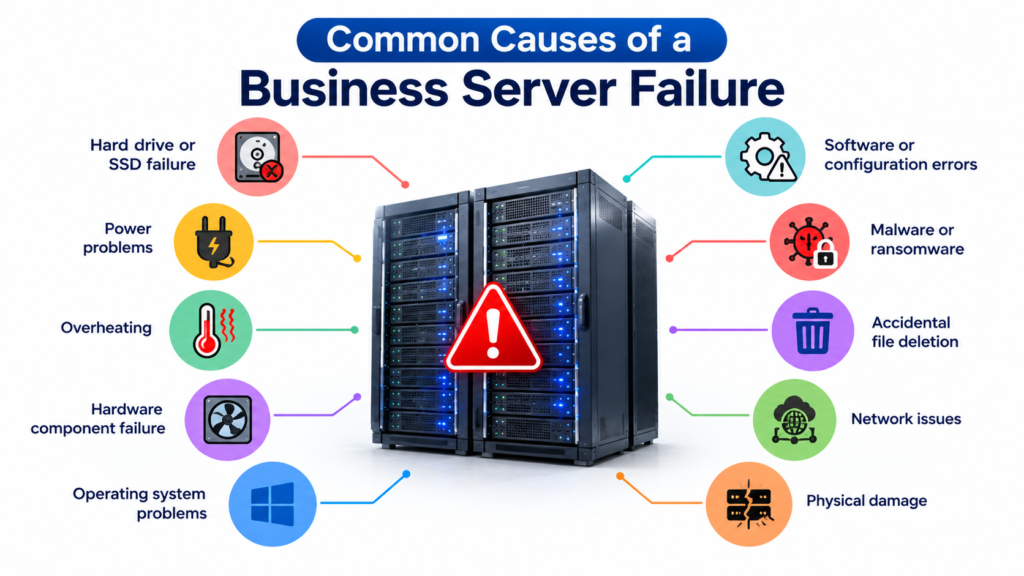
Even a well-maintained server can eventually experience a hardware or software problem. This is why businesses should plan for failure instead of assuming it will never happen.
What Happens When a Server Fails?
The impact depends on what the server is used for and how critical it is to the business.
A server failure could result in:
- Employees losing access to shared files
- Business applications becoming unavailable
- Delays in daily operations
- Loss of access to important records
- Website or application downtime
- Customer service interruptions
- Potential data loss
For a small business, even a few hours of downtime can create significant disruption.
The key question is not simply “Can our server fail?” but “What will we do if it does?”
Step 1: Identify Your Critical Business Data
The first part of a recovery plan is understanding what data actually needs protection.
Make a list of critical information such as:
- Customer records
- Financial documents
- Employee information
- Business applications
- Project files
- Databases
- Contracts and invoices
- Website files
- Shared company documents
Not every file has the same level of importance.
Knowing which data needs to be recovered first helps your team prioritize during an emergency.
Step 2: Maintain Regular Backups
A backup gives your business another copy of important information that can be restored if the original data becomes unavailable.
However, simply creating one backup and forgetting about it is not enough.
Businesses should establish a regular backup schedule based on how frequently their data changes.
For example:
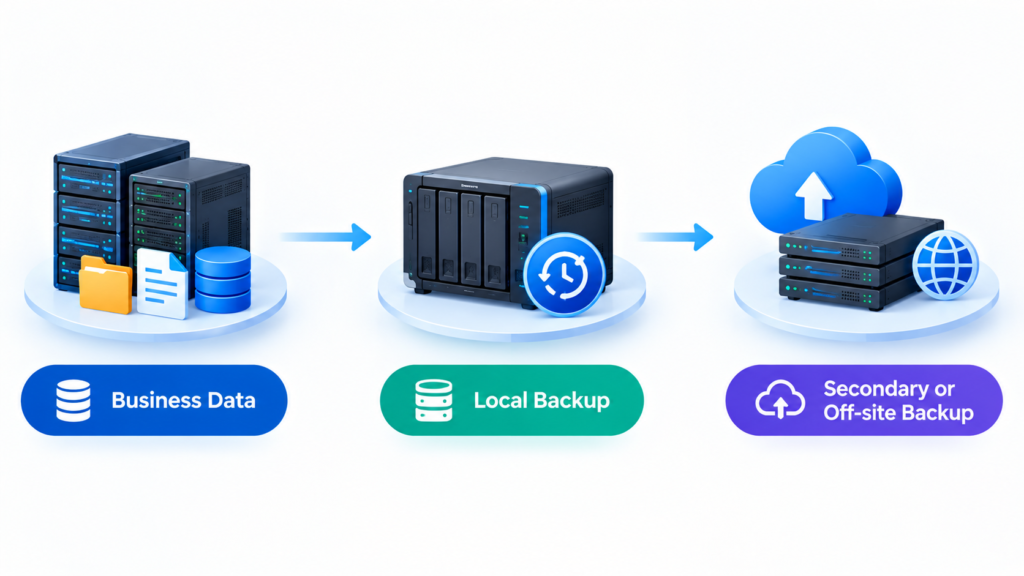
A NAS can also be used as part of a business backup strategy. It can provide centralized storage and support automated backup processes.
You can learn more about NAS in our NAS (Network Attached Storage): A Complete Guide for Home & Business.
Step 3: Keep a Separate Backup Copy
One of the biggest mistakes businesses can make is keeping everything in the same location.
Imagine a server and its backup are both affected by a fire, power incident, theft, or ransomware attack. Having a backup does not help if that backup is also unavailable.
For important business data, consider maintaining a separate or off-site copy.
Depending on your requirements, this could include:
- Secondary storage
- External backup media
- NAS
- Cloud backup
- Off-site infrastructure
The right combination depends on the amount and importance of your data.
Step 4: Decide How Quickly You Need to Recover
Not every system needs to be restored at the same speed.
Ask two important questions:
How much data can the business afford to lose?
How long can the business operate without the system?
These questions help determine your recovery requirements.
For example, a business application that is essential for daily operations may need to be restored within hours, while an older archive may have a lower priority.
Setting recovery priorities before a failure occurs can prevent confusion during an emergency.
Step 5: Protect the Server From Security Threats
Server recovery is not only about hardware failure.
Cybersecurity incidents can also make business data inaccessible. Ransomware, unauthorized access, and compromised accounts can affect servers and connected storage systems.
Businesses should consider:
- Strong passwords
- Multi-factor authentication where available
- User access controls
- Regular software updates
- Security monitoring
- Firewall protection
- Regular backups
A firewall is an important part of protecting a business network, but it should work alongside other security measures. Learn more in our guide on Firewall: Working System and Purpose.
Step 6: Document the Recovery Process
When a server fails, employees should not have to guess what to do.
Create a simple recovery document that includes:
- Important server details
- Backup locations
- Administrator contacts
- IT support details
- Critical applications
- Recovery priorities
- Backup schedules
- Steps for restoring data
Keep a copy of this information somewhere accessible even if the primary server is unavailable.
Step 7: Test Your Backup and Recovery Plan
A backup is only useful if it can actually be restored.
Businesses should periodically test whether important files and applications can be recovered from their backups.
A simple recovery test can help identify problems such as:
- Incomplete backups
- Corrupted backup files
- Missing credentials
- Incorrect configurations
- Outdated recovery procedures
Testing gives businesses an opportunity to fix these issues before a real emergency occurs.
Build a Complete Business Recovery Strategy
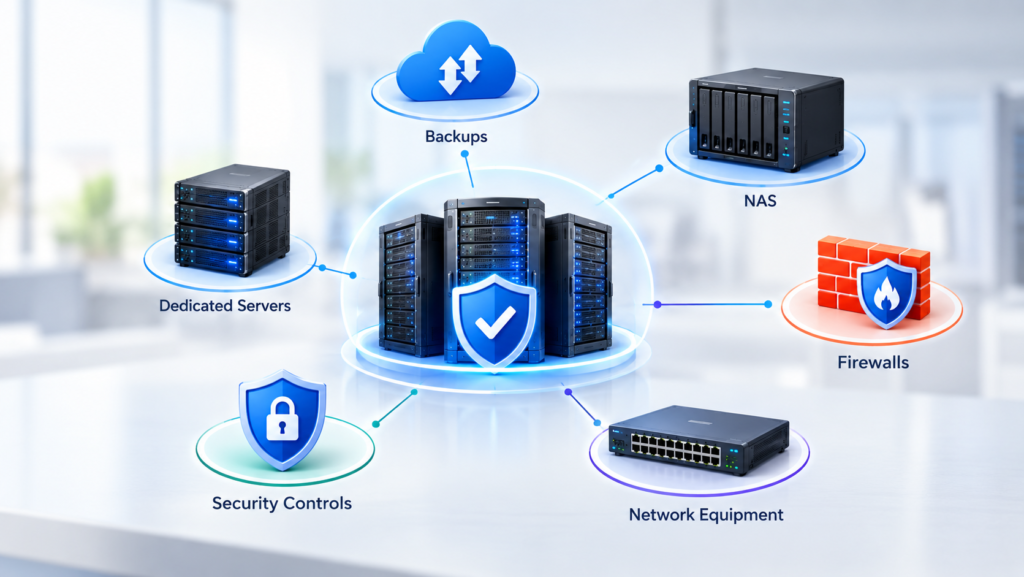
A server recovery plan should not exist separately from your overall IT infrastructure.
Servers, NAS systems, firewalls, backups, network equipment, and security controls should work together as part of a broader infrastructure strategy.
Our guide on Why Organizations Need Proper Infrastructure With Dedicated Servers, NAS, and Firewalls explains how these components can support a more reliable business environment.
Final Thoughts
A server failure can happen unexpectedly, but your response does not have to be unplanned.
By identifying critical data, maintaining regular backups, keeping an off-site copy, defining recovery priorities, protecting your network, documenting procedures, and testing your backups, you can reduce the impact of server downtime.
The goal of a business data recovery plan is not to prevent every possible failure. It is to make sure your business knows how to respond when something goes wrong.
The best time to create a recovery plan is before the server fails not after.