

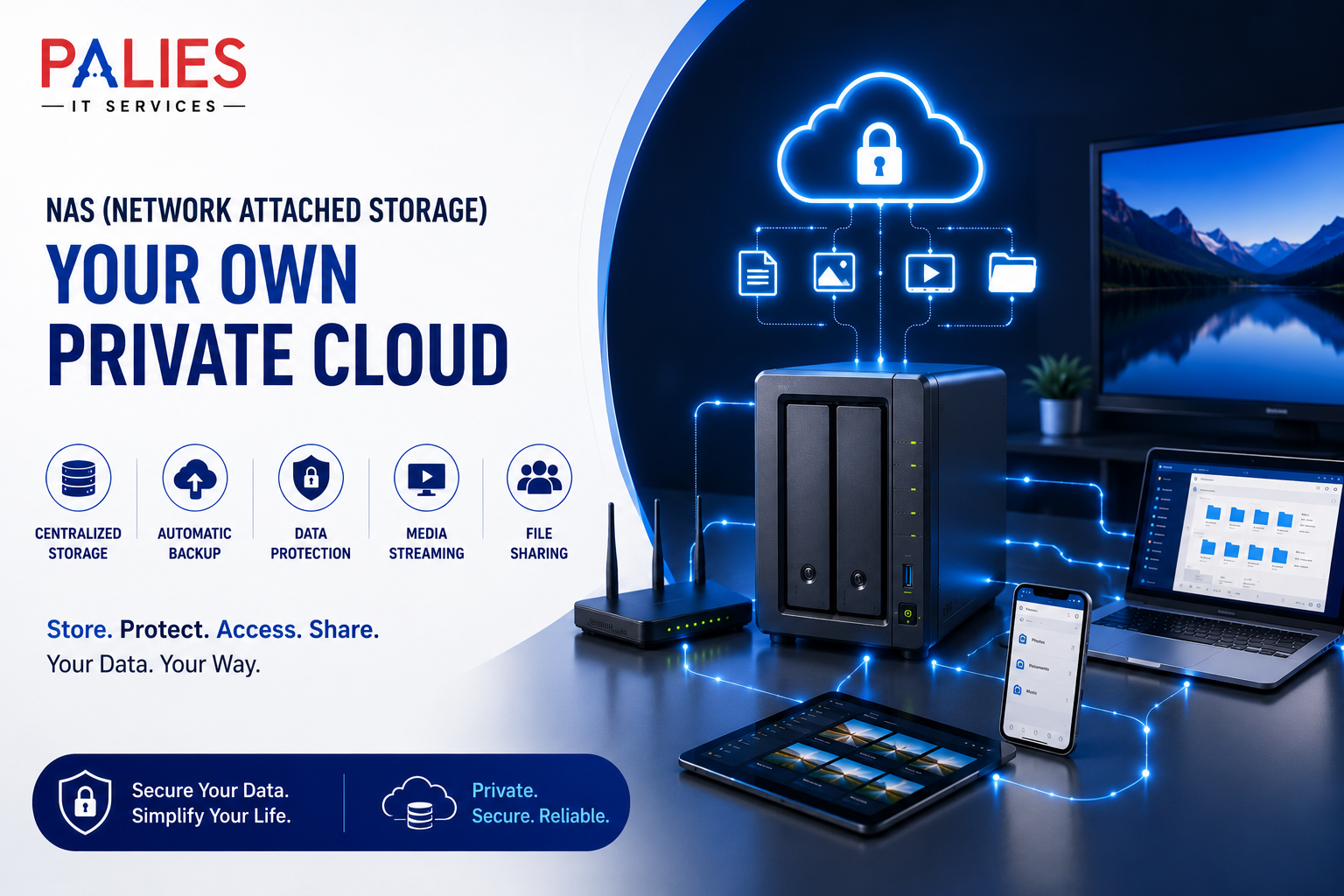
A NAS (Network Attached Storage) box is a dedicated storage device that connects to your home or office network, allowing multiple devices to store, access, and share files from one central location.
Think of it as your own private cloud. Instead of storing files on Google Drive, OneDrive, or Dropbox, you store them on a device that you own and control.
How a NAS Works
A NAS box contains
- One or more hard drives (HDDs) or SSDs
- A processor and memory
- A network (Ethernet) port
- An operating system designed for file sharing
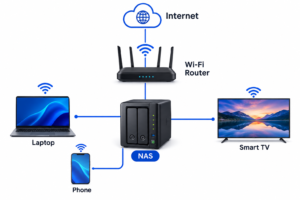
It connects to your Wi-Fi router via an Ethernet cable.
Any authorized device on your network—such as a laptop, desktop, smartphone, smart TV, or tablet—can access the files stored on the NAS.
Example:
Benefits of a NAS Box
1. Centralized Storage
Instead of keeping files scattered across multiple computers and external drives, everything is stored in one place.
Good for:
- Photos
- Videos
- Documents
- Music
- Work files
2. Automatic Backup
Most NAS devices can automatically back up
- Windows PCs
- Macs
- Android phones
- iPhones
If your computer crashes, your files remain safe on the NAS.
3. Access Files Anywhere
Many NAS systems let you securely access your files over the internet.
This means you can:
- Download documents while traveling
- View photos remotely
- Share files with family or coworkers
4. Private Cloud Storage
Unlike public cloud services:
- You own the hardware.
- You control your data.
- There are no monthly storage fees (beyond the initial purchase and any electricity costs).
5. Data Protection with RAID
Most NAS devices support RAID (Redundant Array of Independent Disks).
For example:
- Two 4 TB drives in RAID 1 provide about 4 TB of usable storage while mirroring the data. If one drive fails, your data remains available on the other drive.
Note: RAID improves availability but is not a substitute for backups. Important data should still be backed up elsewhere.
6. Media Streaming
A NAS can act as a home media server.
You can stream:
- Movies
- TV shows
- Music
- Photos
to:
- Smart TVs
- Phones
- Tablets
- Computers
7. File Sharing
Create separate accounts for:
- Family members
- Employees
- Students
Each user can have different permissions.
8. Surveillance Storage
Many NAS devices support IP security cameras.
They can:
- Record footage
- Store videos
- Send motion alerts
without requiring a separate computer to be running.
9. Run Applications
Some NAS models can host applications such as:
- Personal photo management
- Note-taking tools
- Password managers
- Docker containers
- Development environments
- Home automation services
10. Energy Efficient
A NAS typically consumes much less power than leaving a desktop computer running all day to serve files.
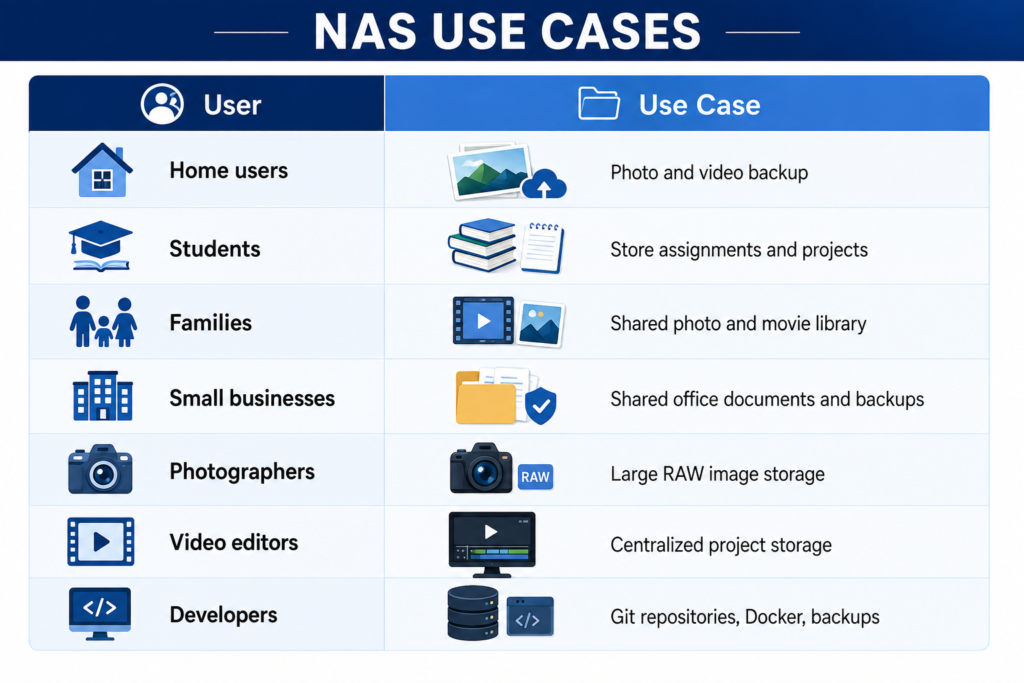
Common Uses
NAS vs External Hard Drive
Feature | NAS | External Drive |
Network access | ✅ | ❌ |
Multiple users | ✅ | ❌ |
Automatic backup | ✅ | Limited |
Remote access | ✅ | ❌ |
RAID support | ✅ | Usually no |
File sharing | ✅ | Limited |
Media server | ✅ | ❌ |
Popular NAS Brands
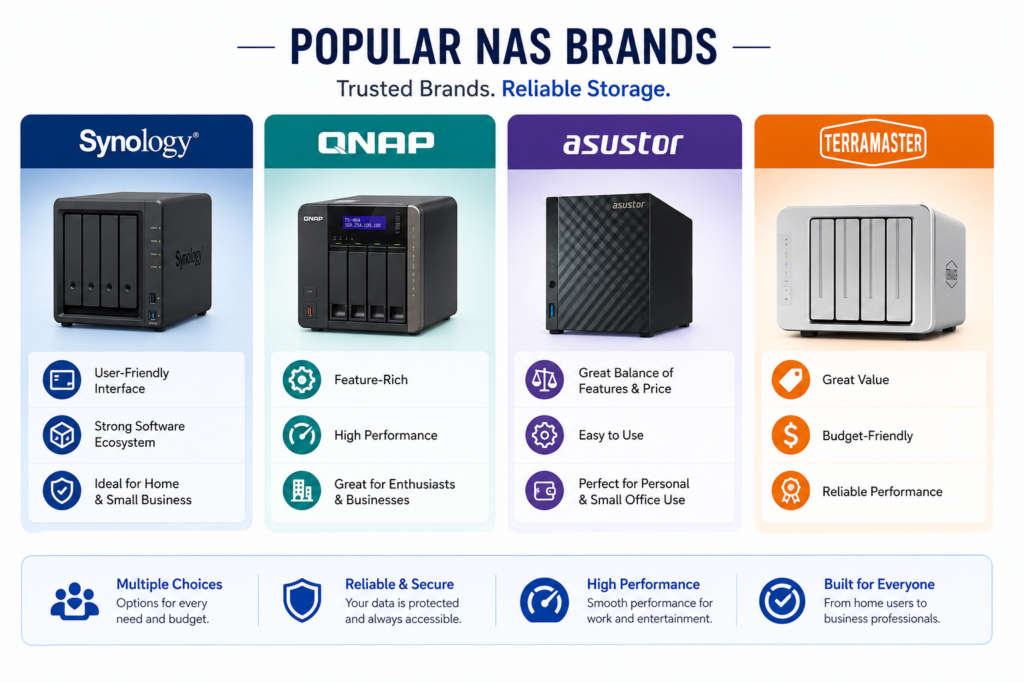
Some well-known manufacturers include:
- Synology – Known for a polished, beginner-friendly interface and strong software ecosystem.
- QNAP – Offers extensive features and good performance for enthusiasts and businesses.
- ASUSTOR – Balances features and price.
- TerraMaster – Often provides good value for budget-conscious users.
Who Should Buy a NAS?
A NAS is a good fit if you
- Have lots of photos or videos.
- Need automatic backups for multiple devices.
- Want your own private cloud.
- Share files with family or coworkers.
- Stream media throughout your home.
- Want to reduce dependence on subscription cloud storage.
If you only need occasional extra storage for one computer, an external USB drive is usually simpler and less expensive.
Potential Drawbacks
- Higher upfront cost than an external drive.
- Initial setup can take some time.
- Requires at least one hard drive (often purchased separately).
- Remote access should be secured with strong passwords and, ideally, multi-factor authentication.
- RAID is not a replacement for a proper backup strategy.
Example Home Setup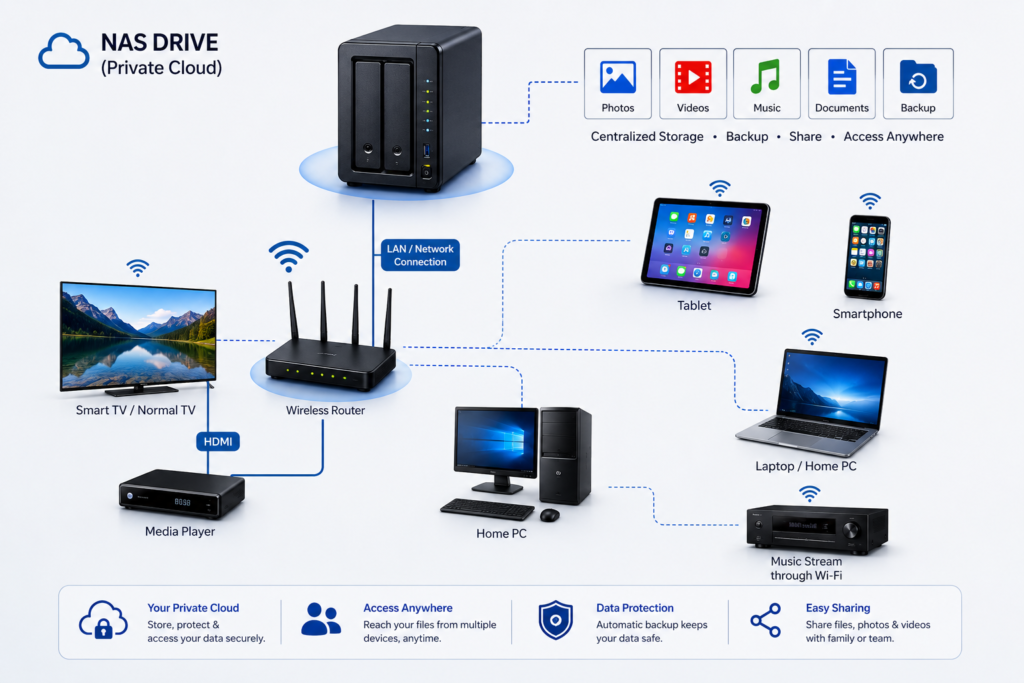
A family with:
- 2 laptops
- 3 smartphones
- 1 smart TV
- 1 tablet
could use a 2-bay NAS with mirrored drives to
- Automatically back up everyone’s photos.
- Store family videos in one place.
- Stream movies to the TV.
- Access documents while away from home.
- Share albums securely with relatives.
For many households and small offices, a NAS provides a practical balance of convenience, control, and data protection without relying entirely on third-party cloud services.