

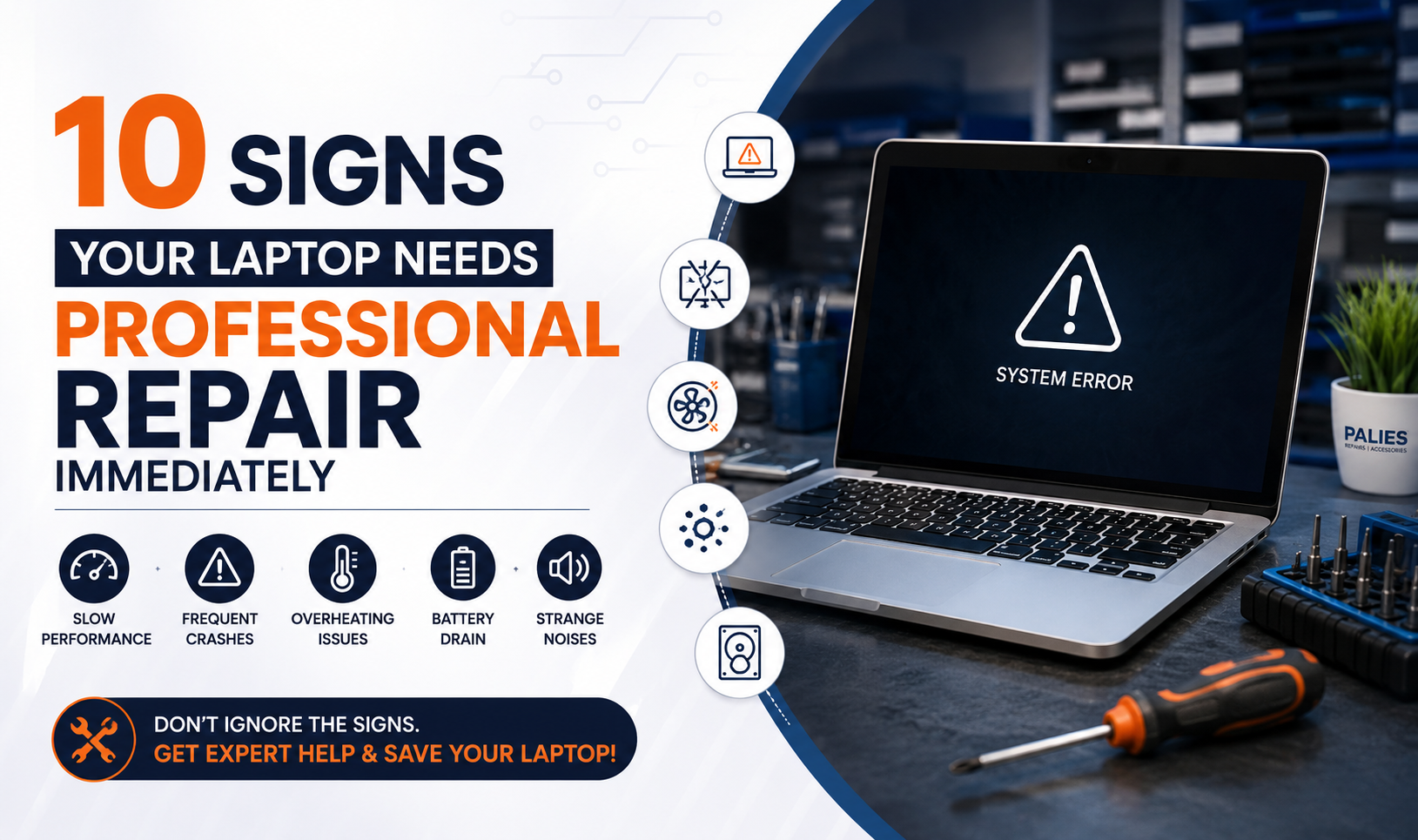
Your laptop plays a vital role in your daily routine, whether you’re working from home, managing a business, attending online classes, or simply staying connected. When it starts showing signs of trouble, ignoring them can turn a small issue into a costly repair or even permanent data loss.
Many laptop problems begin with subtle symptoms that users often overlook. Recognizing these warning signs early and seeking help from a trusted Laptop Service Center in Coimbatore can save you time, money, and frustration.
In this blog, we’ll explore the 10 most common signs that indicate your laptop needs professional repair immediately.
1. Your Laptop is Running Extremely Slow
Has your laptop become painfully slow, even for simple tasks like opening a browser or launching applications?
Slow performance can result from:
•Failing hard drive
•Insufficient RAM
•Malware infections
•Overheating
•Outdated operating system
•Background software consuming resources
While basic troubleshooting may help temporarily, persistent slowness often points to underlying hardware or software issues that require professional diagnosis.
A technician can identify the root cause and recommend upgrades such as an SSD installation or RAM expansion to restore your laptop’s speed.
2. Frequent System Crashes or Blue Screen Errors
Unexpected shutdowns, freezing screens, or the infamous Blue Screen of Death (BSOD) are strong indicators that your laptop needs immediate attention.
Possible causes include:
- Faulty RAM
- Corrupted Windows files
- Driver conflicts
- Hard disk failure
- Motherboard issues
Ignoring repeated crashes increases the risk of data corruption and complete system failure.
Professional diagnostics can accurately identify the issue before it worsens.
3. Overheating During Normal Use
If your laptop becomes unusually hot while browsing, working, or streaming videos, overheating may be damaging internal components.
Common reasons include:
- Dust buildup inside cooling vents
- Failed cooling fan
- Dried thermal paste
- Heavy background processes
Overheating not only reduces performance but also shortens the lifespan of your laptop.
Regular professional cleaning and thermal maintenance help prevent expensive repairs
4 .Strange Noises from the Laptop
A healthy laptop should operate quietly.
If you hear
- Clicking sounds
- Grinding noises
- Loud fan noise
- Buzzing sounds
your laptop may have
- Hard drive damage
- Cooling fan failure
- Loose internal components
These warning signs should never be ignored because they often indicate imminent hardware failure.
5. Battery Drains Very Quickly
If your fully charged battery lasts only a short time, it could be caused by
- Aging battery cells
- Charging circuit issues
- Faulty power management
- Excessive background applications
A professional technician can test your battery health and recommend replacement if necessary.
Replacing the battery early prevents sudden shutdowns and protects your work.
6. Laptop Screen Problems
Display issues are among the most common repair requests.
Signs include:
- Flickering screen
- Black display
- Dead pixels
- Colored lines
- Dim brightness
- Cracked screen
These symptoms may result from
- Damaged LCD panel
- Faulty display cable
- Graphics chip failure
- Screen connector issues
Professional diagnosis ensures only the faulty component is replaced.
7. Laptop Doesn’t Charge Properly
A laptop that refuses to charge doesn’t always have a bad battery.
Possible causes include
- Damaged charging port
- Faulty adapter
- Motherboard charging circuit
- Battery failure
Using incompatible chargers can worsen the problem.
Experienced technicians test every charging component before replacing parts unnecessarily.
8. Keyboard or Touchpad Stops Working
If certain keys stop responding or your touchpad behaves erratically, the issue may involve
- Liquid damage
- Driver corruption
- Internal cable problems
- Keyboard controller failure
Temporary fixes rarely solve hardware-related keyboard issues.
Professional repair ensures accurate replacement without damaging surrounding components.
9. Unusual Pop-Ups or Virus Infections
Frequent advertisements, unknown software installations, browser redirects, and slow performance often indicate malware or virus infections.
Professional virus removal includes
- Malware scanning
- Spyware removal
- Data protection
- Operating system cleanup
- Security optimization
Attempting to remove advanced malware yourself may lead to accidental data loss.
10. Laptop Won’t Turn On
Perhaps the most obvious warning sign is a laptop that refuses to power on.
Possible reasons include
- Motherboard failure
- Power IC issues
- RAM failure
- Dead SSD or hard drive
- Internal short circuit
Professional diagnostic equipment helps identify the exact fault without unnecessary replacements.
The sooner you seek assistance, the higher the chances of recovering both your laptop and important data.
Why Choose Palies for Laptop Repair in Coimbatore?
When your laptop requires professional attention, choosing a trusted service provider makes all the difference.
Palies offers
- Experienced technicians
- Multi-brand laptop repair
- Genuine replacement parts
- Motherboard-level repairs
- SSD and RAM upgrades
- Screen replacement
- Data recovery services
- Virus removal
- Doorstep laptop support
- Fast turnaround time
- Affordable pricing
- Business and home support
Whether you’re facing hardware failures, software issues, or performance problems, Palies provides reliable solutions tailored to your needs.
Conclusion
Ignoring early warning signs can turn a minor laptop issue into a costly repair or complete system failure. By recognizing symptoms such as slow performance, overheating, charging problems, screen issues, or unexpected crashes, you can take action before the damage becomes severe.
If you’re experiencing any of these problems, trust the experts at Palies for reliable Laptop Repair in Coimbatore. Our experienced technicians diagnose issues accurately and provide cost-effective repair solutions to keep your laptop running smoothly.
FAQs
- How do I know if my laptop needs professional repair?
If your laptop is slow, overheats, crashes frequently, or has hardware issues like charging or display problems, it’s time for professional inspection. - Is it worth repairing an old laptop?
Yes, if the repair cost is significantly lower than buying a new device and the laptop meets your performance needs. - How long does laptop repair usually take?
Most common repairs are completed within 1–3 business days, depending on the issue and spare part availability.